You should receive an email from CancerIQ on behalf of your healthcare provider inviting you to complete your questionnaire ahead of your upcoming appointment.
How to log in
-
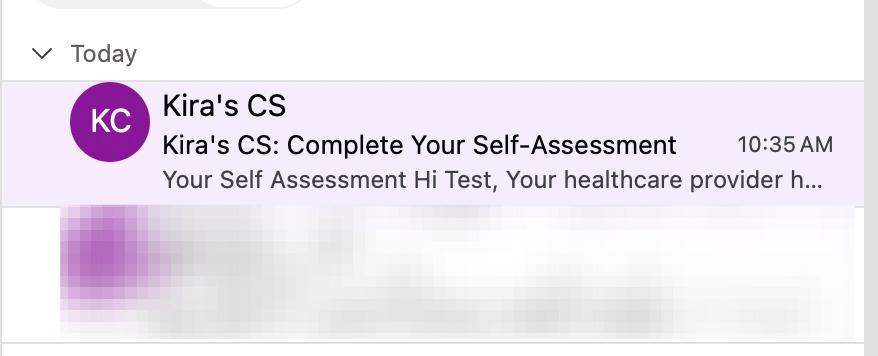
Check your inbox and open the invitation that was sent to your email to complete your self-assessment.
-
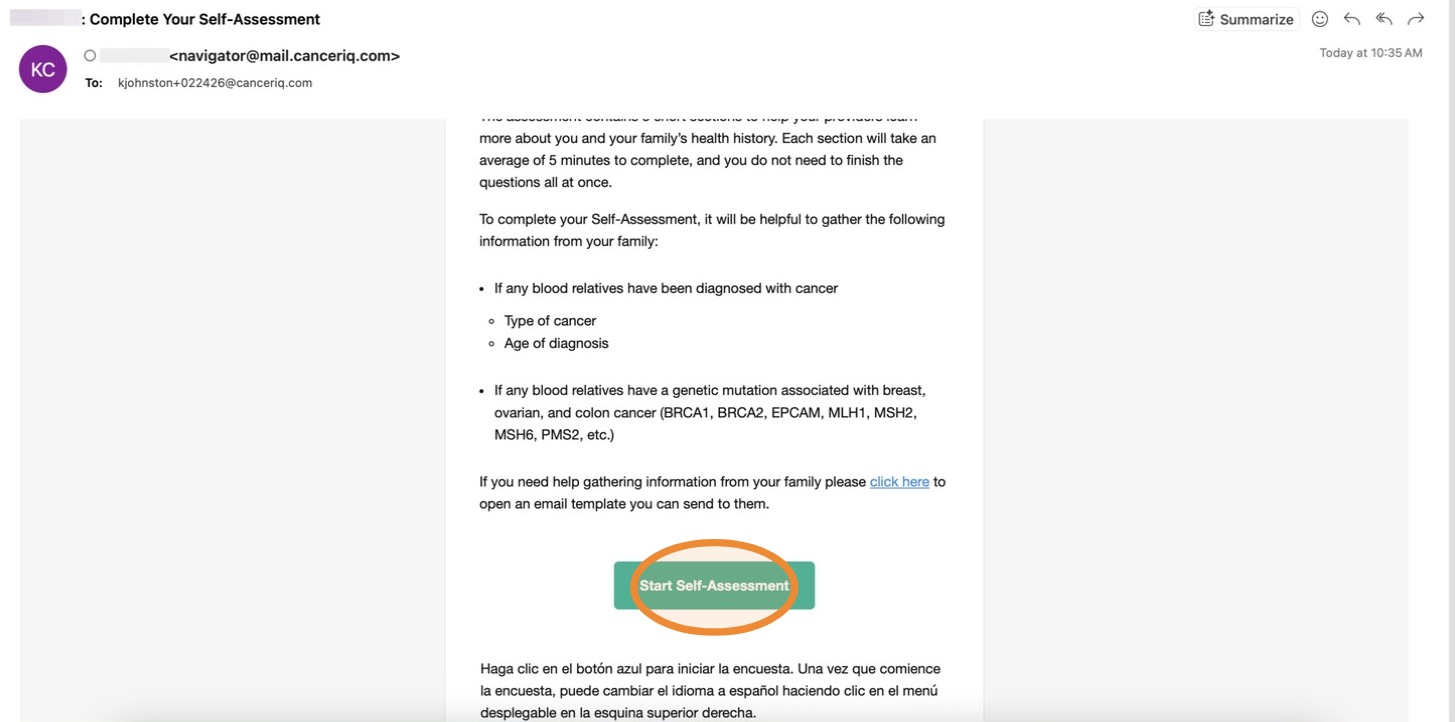
Click Start Self-Assessment.
-
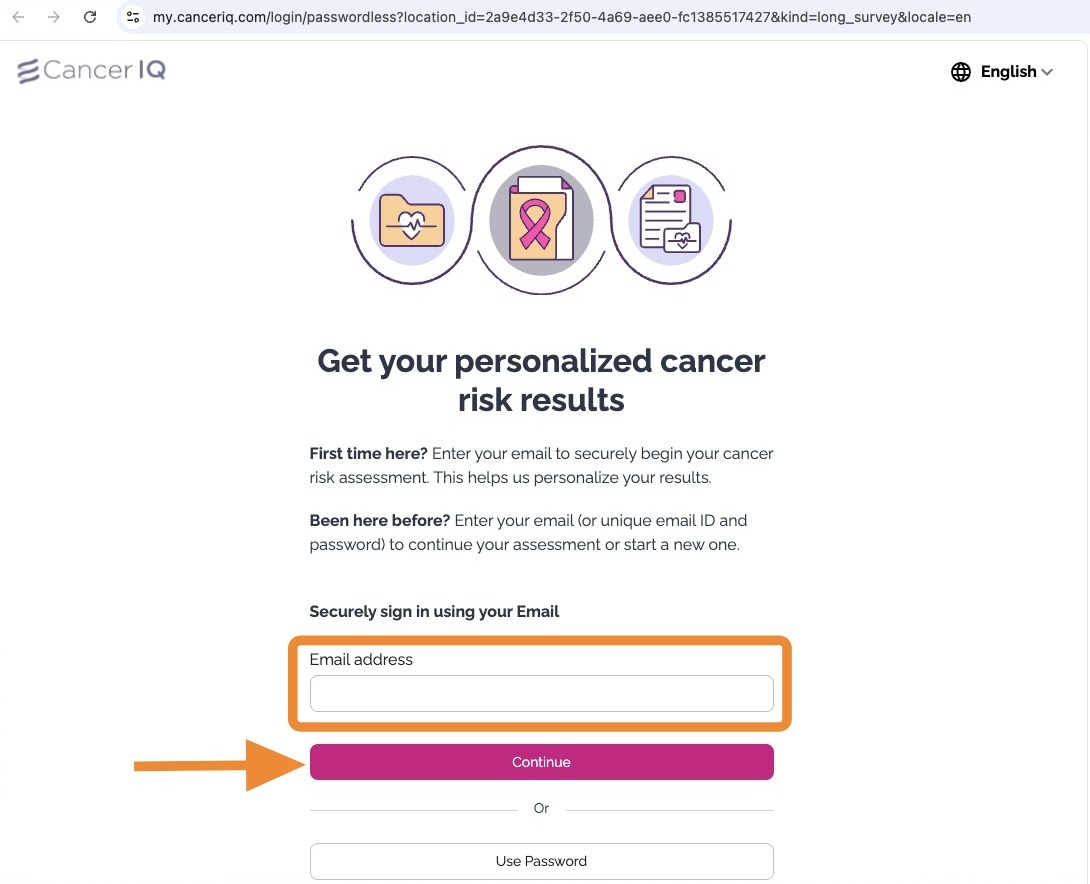
Enter your email address, then click Continue.
-
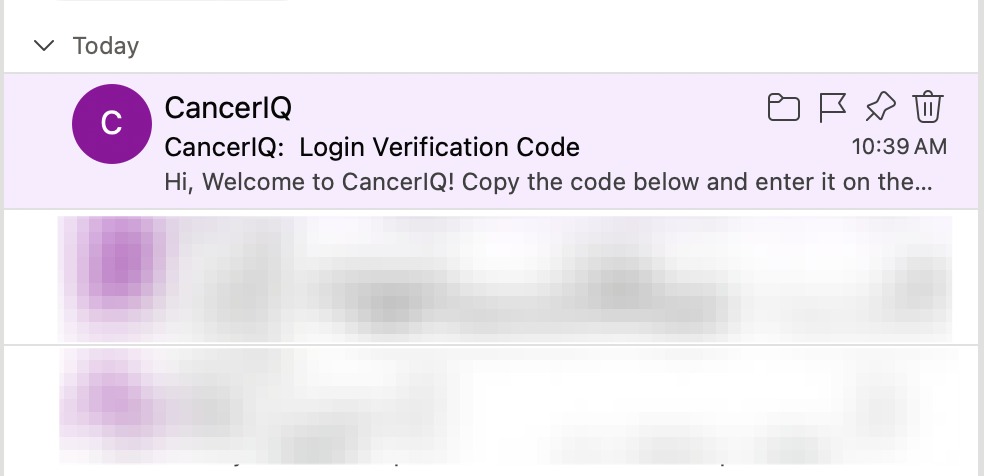
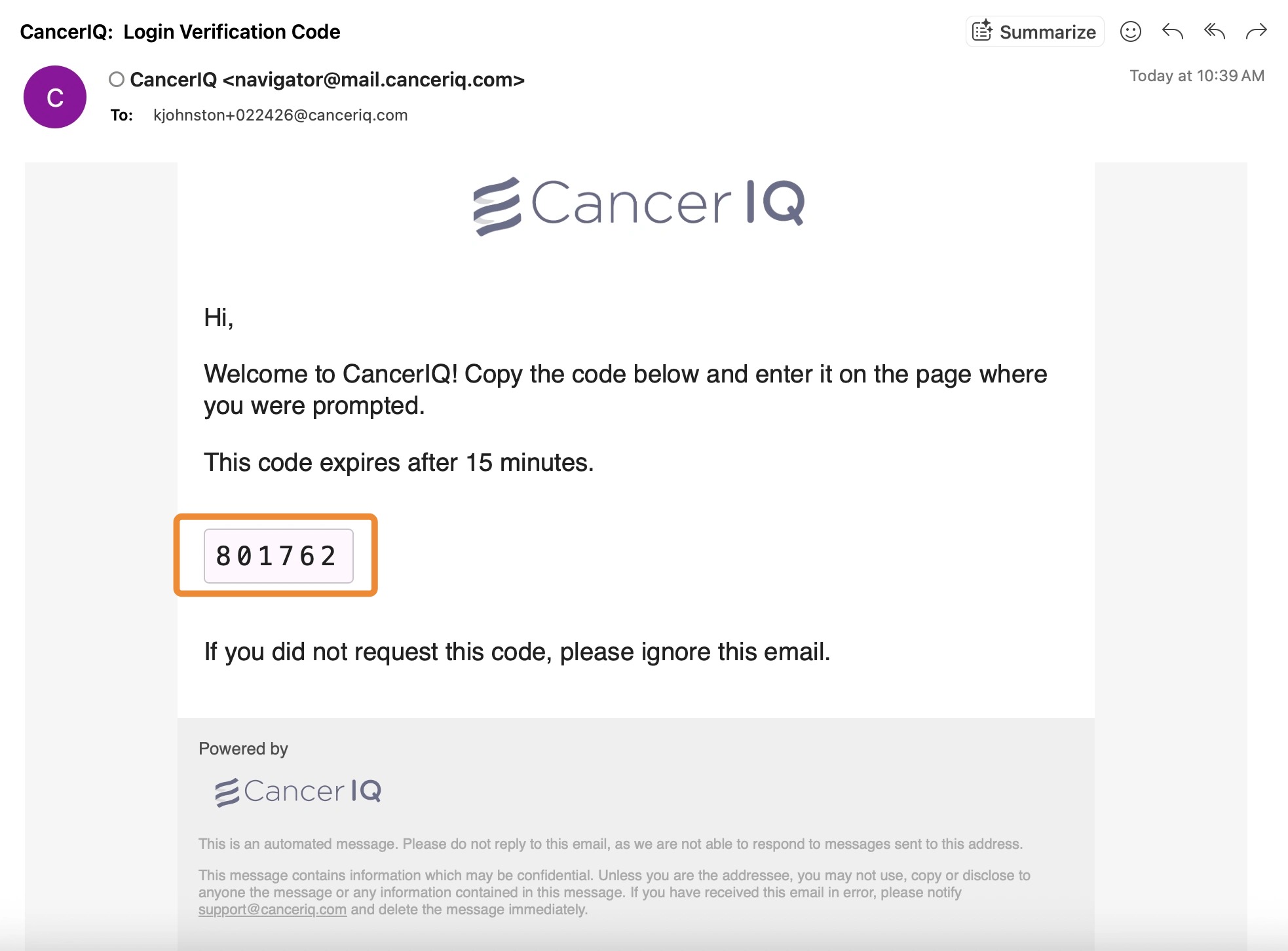
Check your inbox for a one-time sign-in code.
-
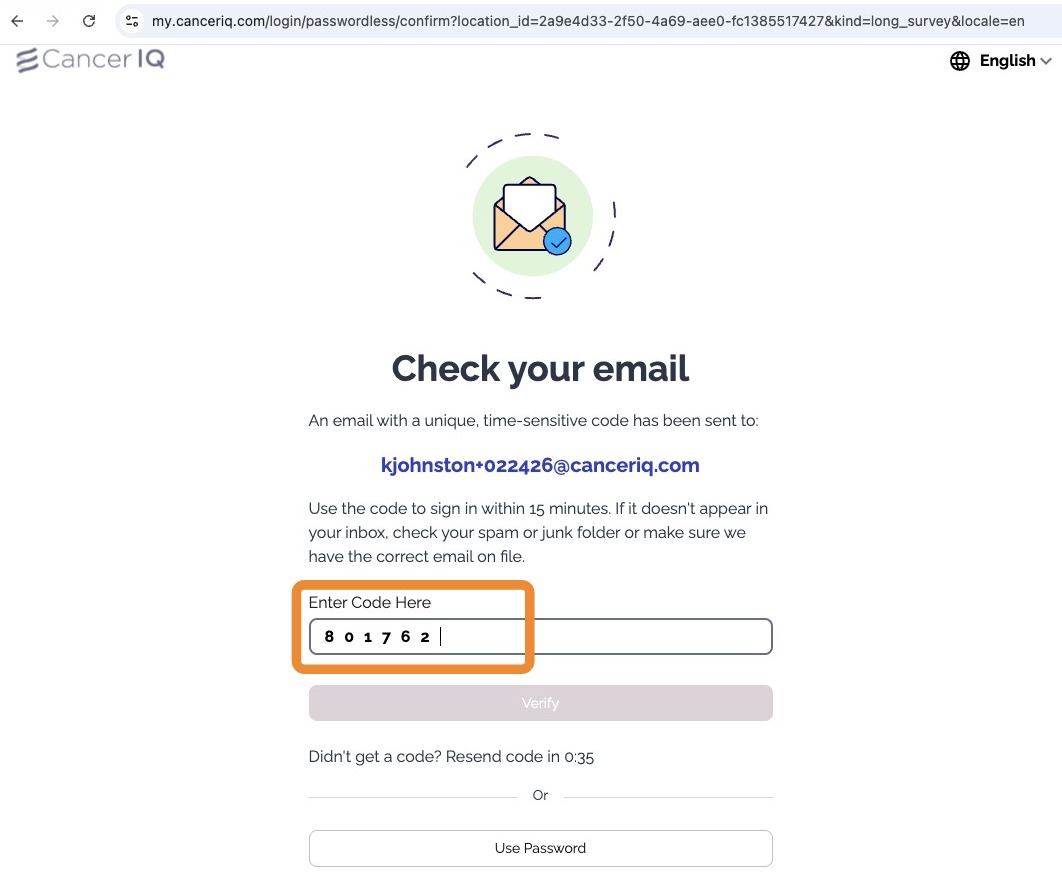
Enter the code and click Verify.
-
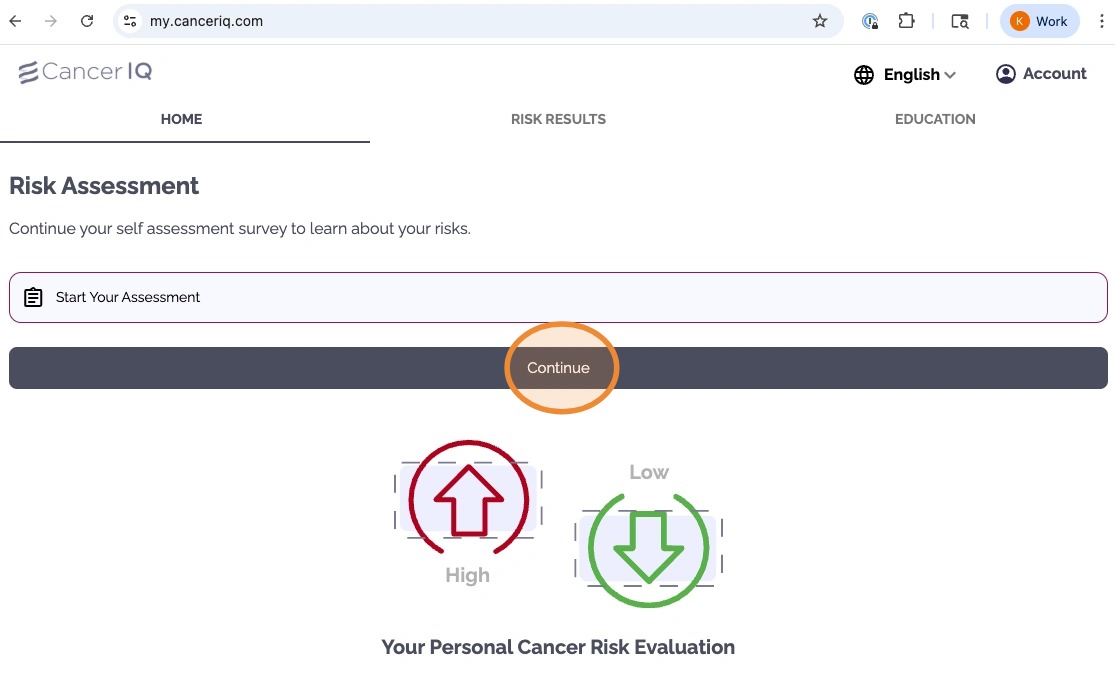
Once verified, you'll be logged into the patient portal and can begin your questionnaire.
If you don't see the code
- The code is time-sensitive and should be used within 15 minutes.
- If it's not in your inbox, check your spam/junk folder.
- If you still can't find it, you may need to confirm that we have the correct email address on file with your healthcare team.
Need Help?
If you have questions or need assistance, our support team is here for you.
Contact Support →